New design for my IP calculator website
Over the past few months, I’ve been experimenting quite a lot with AI-assisted coding tools. Since I’m not a web developer by background, I find these tools especially useful when I want to build or improve web applications without going too deep into frontend frameworks and design systems.
I’ve tried several options so far: ChatGPT’s Codex extension in VS Code, Cursor, and Replit. All of them have their own strengths and unique features, and honestly, each one can be a good fit depending on what you’re trying to build. If you haven’t experimented with AI coding tools yet, I strongly encourage you to try at least one of them and see how it fits into your workflow.
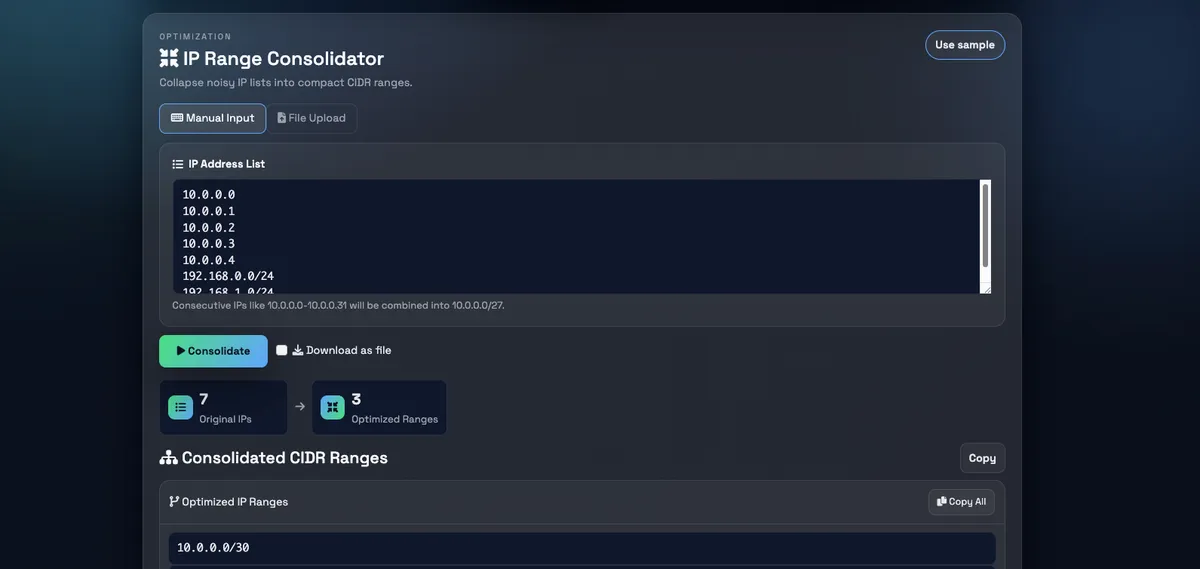
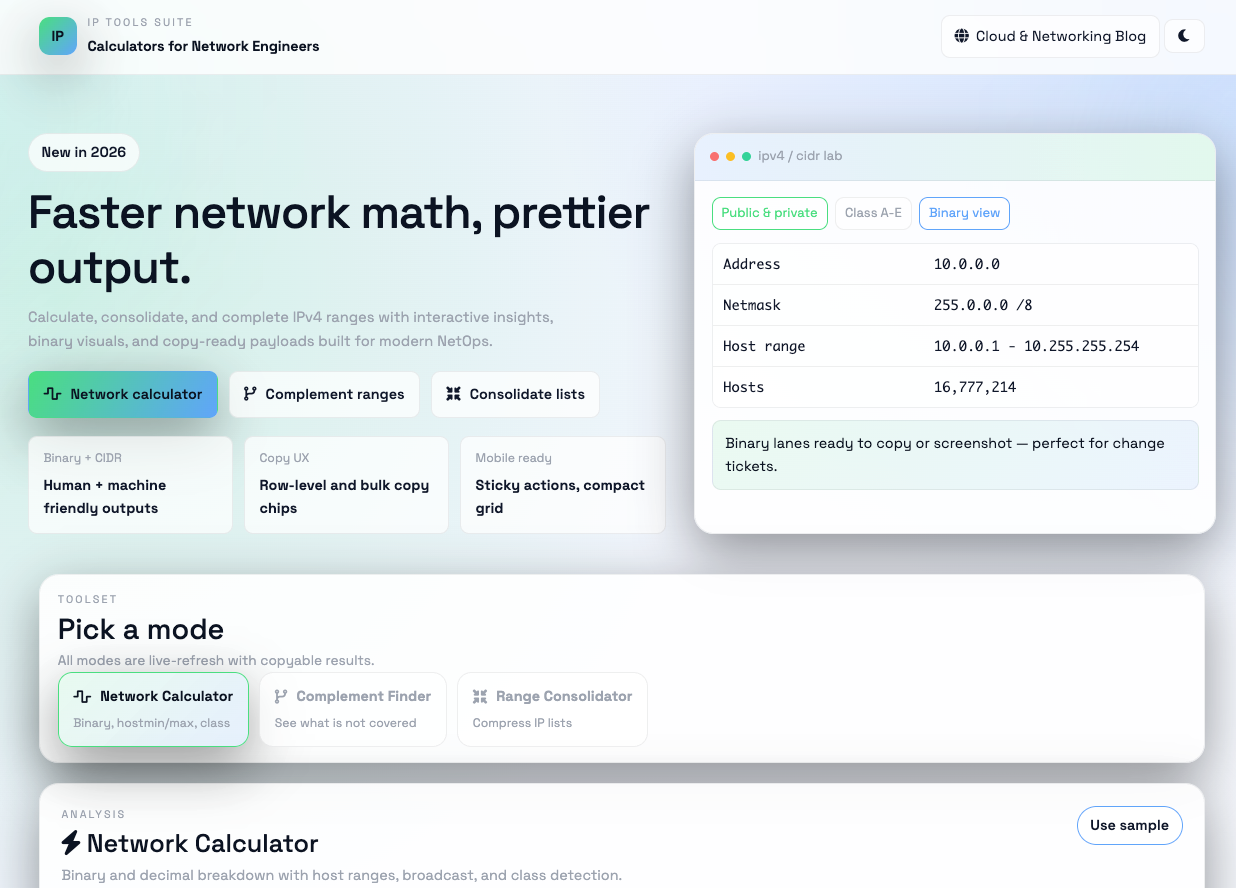
My previous IP calculator project worked fine functionally, but from a design and user experience point of view, it was never really my favorite. The UI felt basic, and I always had the feeling that it could look much better with relatively small changes. So this time, I decided to focus specifically on redesigning the web UI and see how far I could get with the help of AI.
For this redesign, I used ChatGPT’s Codex extension in VS Code, and I was honestly impressed. The iteration speed was fast, the suggestions made sense, and the generated UI ideas were much closer to what I had in mind than I expected. With a few prompts and refinements, I ended up with a design that feels cleaner, more modern, and simply more pleasant to use.
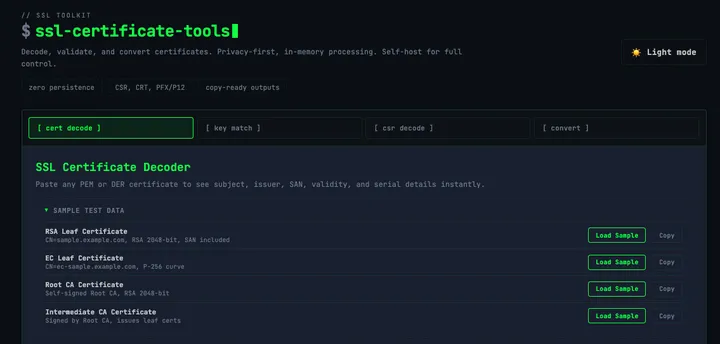
One thing I particularly like is the dark (black) theme. To me, it looks more professional and easier on the eyes, especially when using the tool for longer periods of time or in low-light environments. It also fits better with how many engineers prefer to work day-to-day.
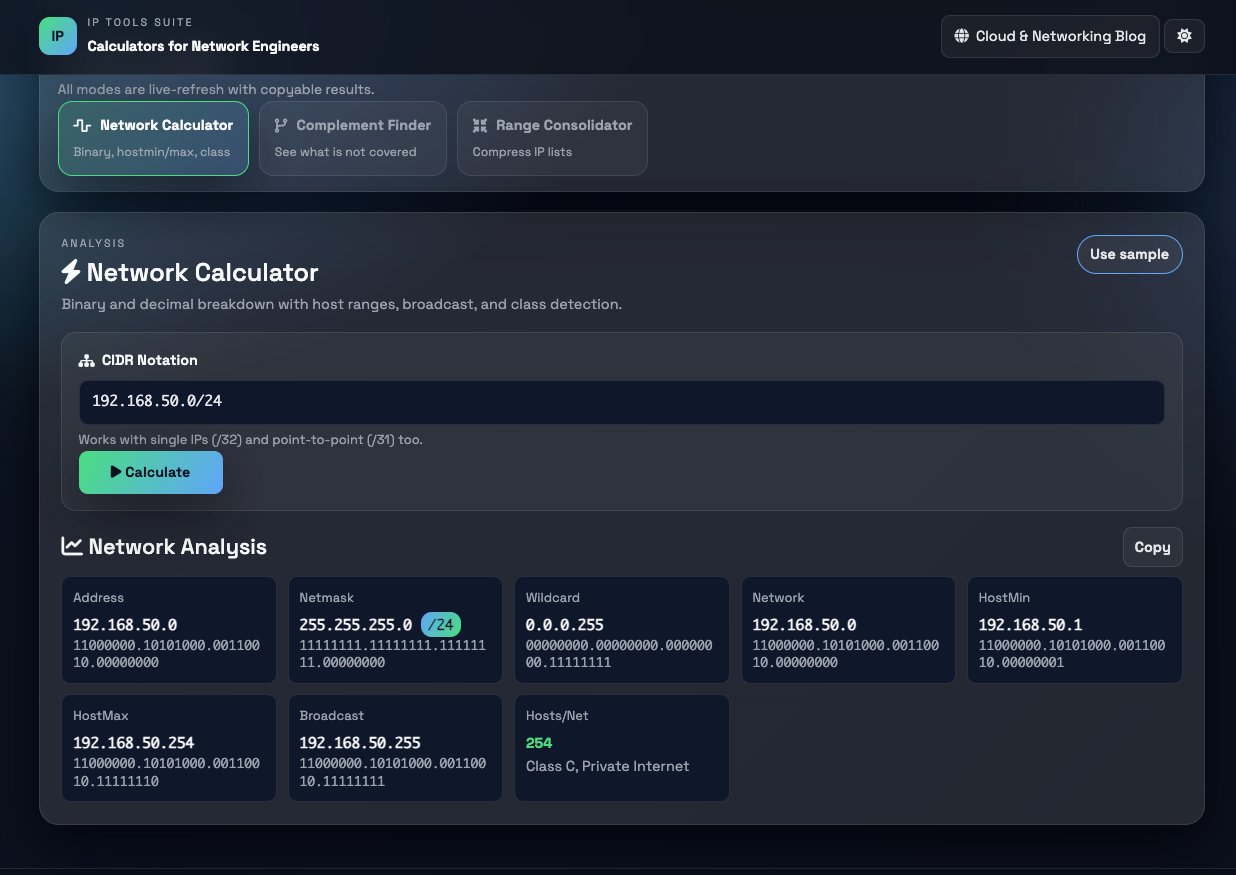
I encourage you to try out the new design and see how it feels for you. If you notice any issues, bugs, or unexpected behavior, feel free to let me know — feedback is always appreciated and helps improve the tool further.
https://ipcalc.gergovadasz.hu/
Using GCP Cloud Run for this application
On a more technical note - which probably fits the audience of this website quite well - the application itself is running inside a Docker container and is deployed on Google Cloud’s Cloud Run service. Cloud Run is a fully managed platform, which means I don’t have to worry about servers, operating systems, or scaling the application manually. The container is started only when there is incoming traffic, and it can scale up or down automatically based on actual usage.
From an operational perspective, this setup is a great fit for small tools like this IP calculator. It keeps the infrastructure simple, cost-efficient, and reliable, while still allowing me to package the application in a reproducible way using Docker. If I need to make changes or improvements in the future, I can simply build a new container image and deploy it as a new revision, without any downtime for users.
Overall, using containers together with a managed service like Cloud Run lets me focus much more on functionality and user experience, instead of spending time on infrastructure management — which is exactly what I want for projects like this.
You can pull the docker container from here: https://hub.docker.com/r/vadaszgergo/ip-tools