Redesigned IP Calculator Web App for Network Engineers – Now with Dark Mode

As a cloud and network engineer, I often find myself needing quick IP-related calculations—whether it’s subnetting, summarization, or identifying wildcard masks. A while ago, I shared a small side project I built to solve this very need:
 Gergo Vadasz
Since then, I’ve made several improvements based on usability feedback and personal experience. The app now features a cleaner interface and day/night toggle mode, making it more pleasant to use for long hours—especially during those late-night troubleshooting sessions.
What Does the IP Calculator Do?
This web-based tool is designed for network engineers, students, and sysadmins who regularly work with IPv4 addresses. The calculator handles common and advanced IP operations, all in a lightweight, browser-friendly interface—no logins, no tracking, just pure utility.
Here are the key features:
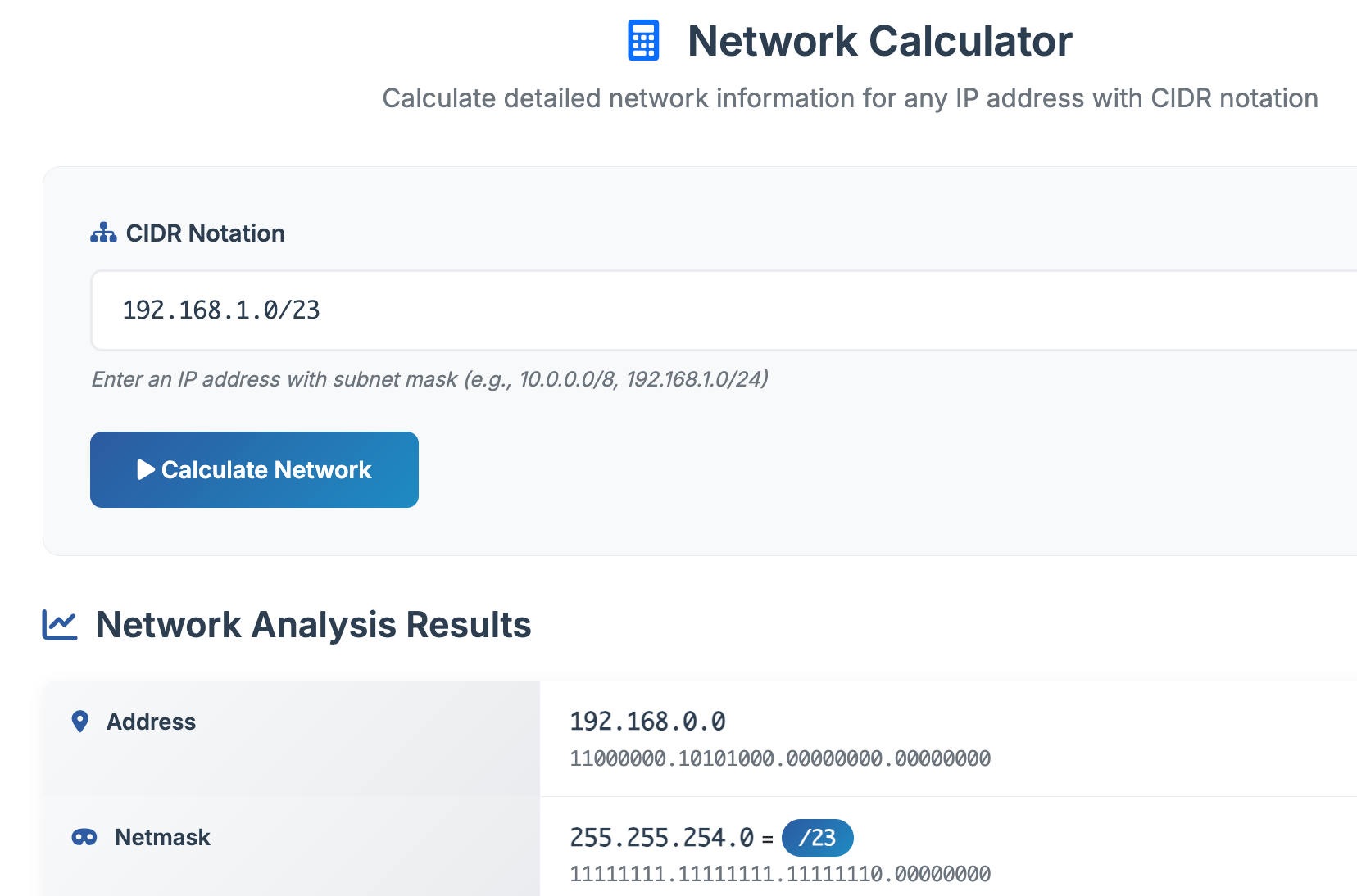
1. Traditional IP Calculator
Quickly input an IP address and subnet mask, and the calculator returns detailed network info:
- Network address
- Netmask (dotted decimal and binary)
- Wildcard mask
- Host range (HostMin and HostMax)
- Broadcast address
- Great for day-to-day subnetting tasks or verifying IP plans
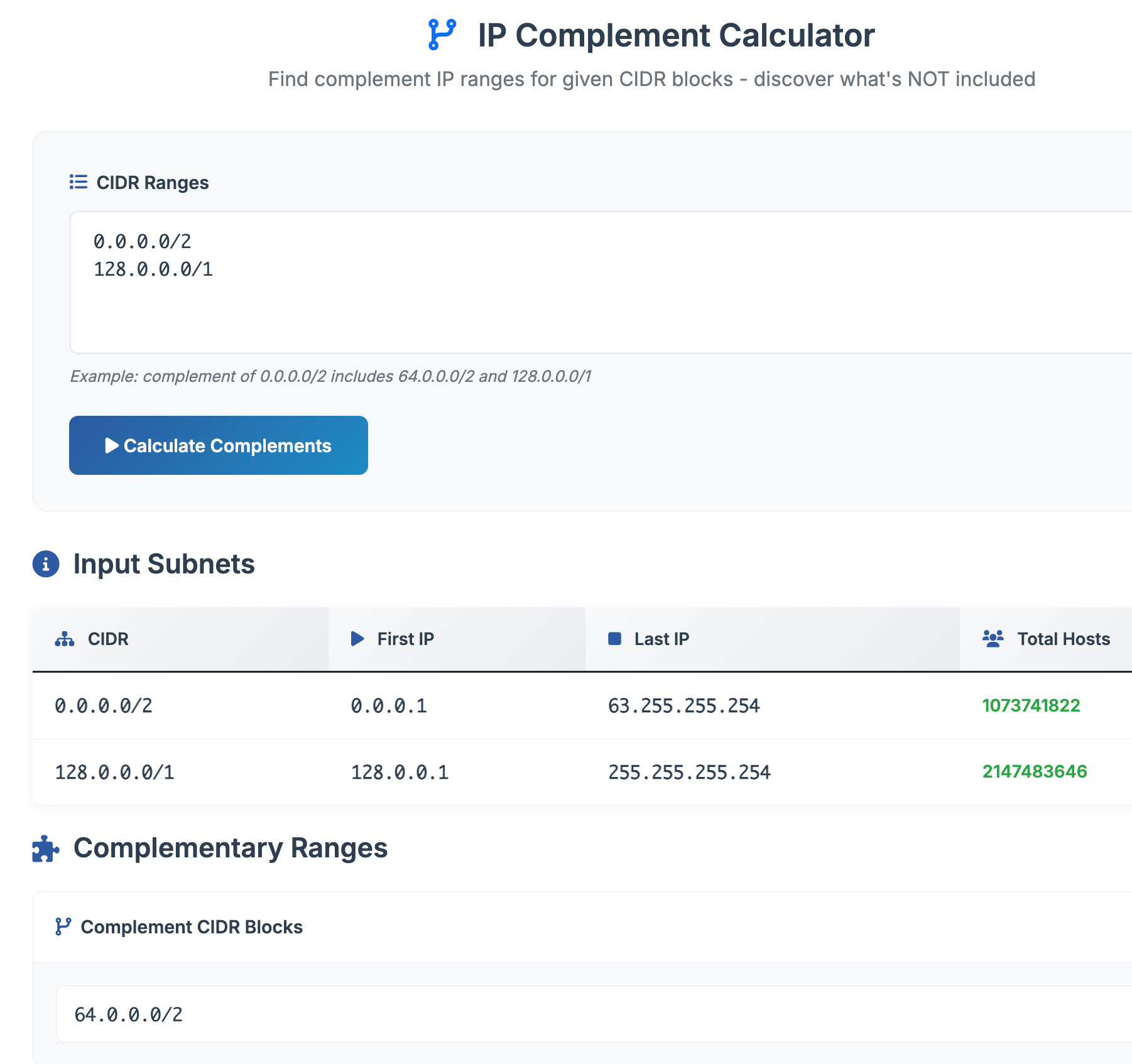
2. IP Complement Calculator
Ever needed to find what IP space isn't used? This tool is for you.
Enter one or multiple IPv4 subnets, and it returns the complement range—the list of IPv4 networks (with subnet masks) that do not overlap with the input.
Useful for:
- Creating access control lists (ACLs)
- Designing exclusion rules
- Firewall configurations
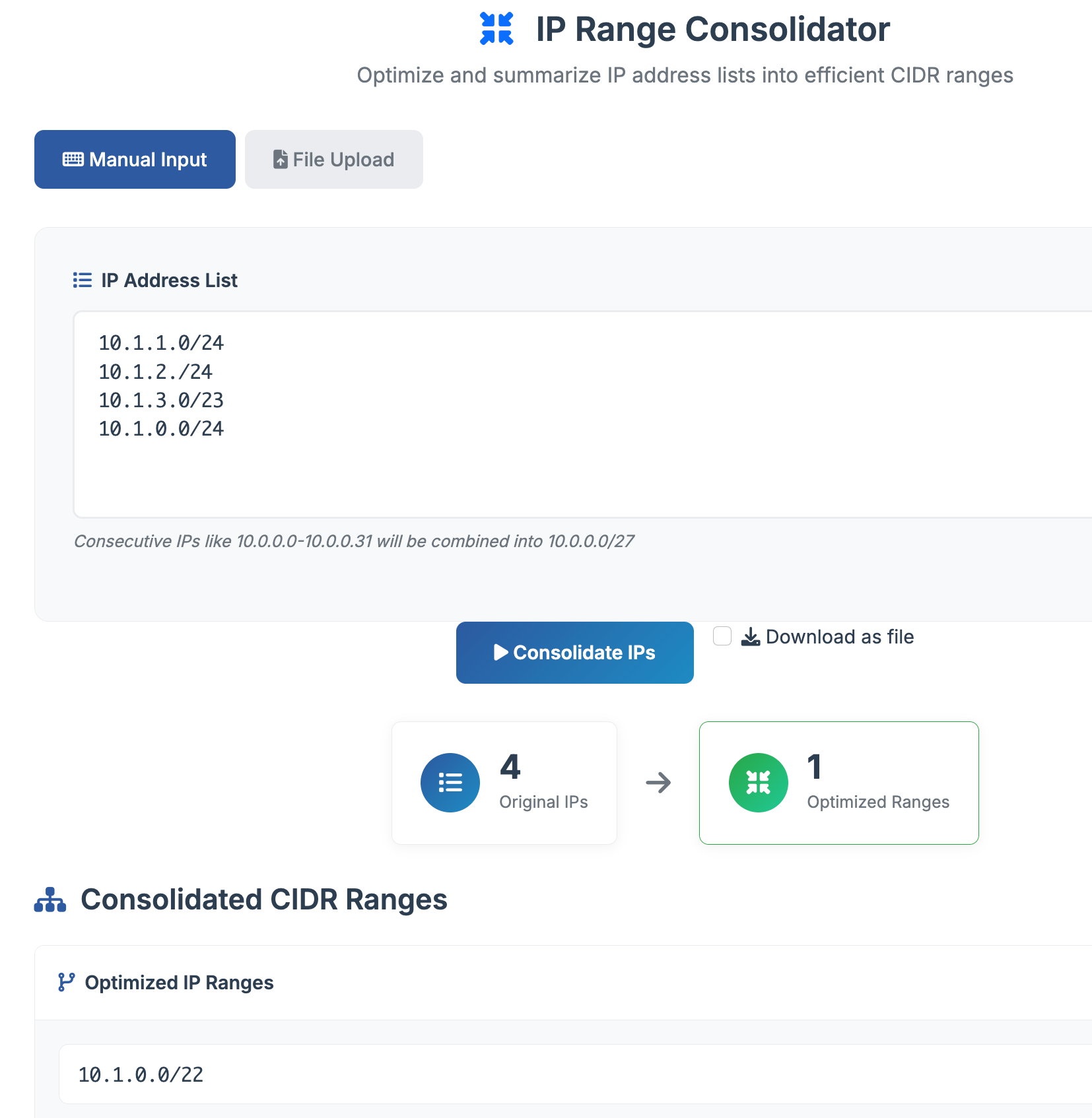
3. IP Range Consolidator
When you're working with multiple IP subnets—especially from customer requests or hand-written notes—this tool helps you summarize or aggregate them into the most concise set of CIDR blocks.
Just paste your list of IP networks, and it tries to collapse them into as few supernets as possible.
Ideal for:
- Summarizing routes for BGP
- Reducing firewall or security group entries
- Optimizing cloud IP ranges
Day/Night Mode for Your Eyes
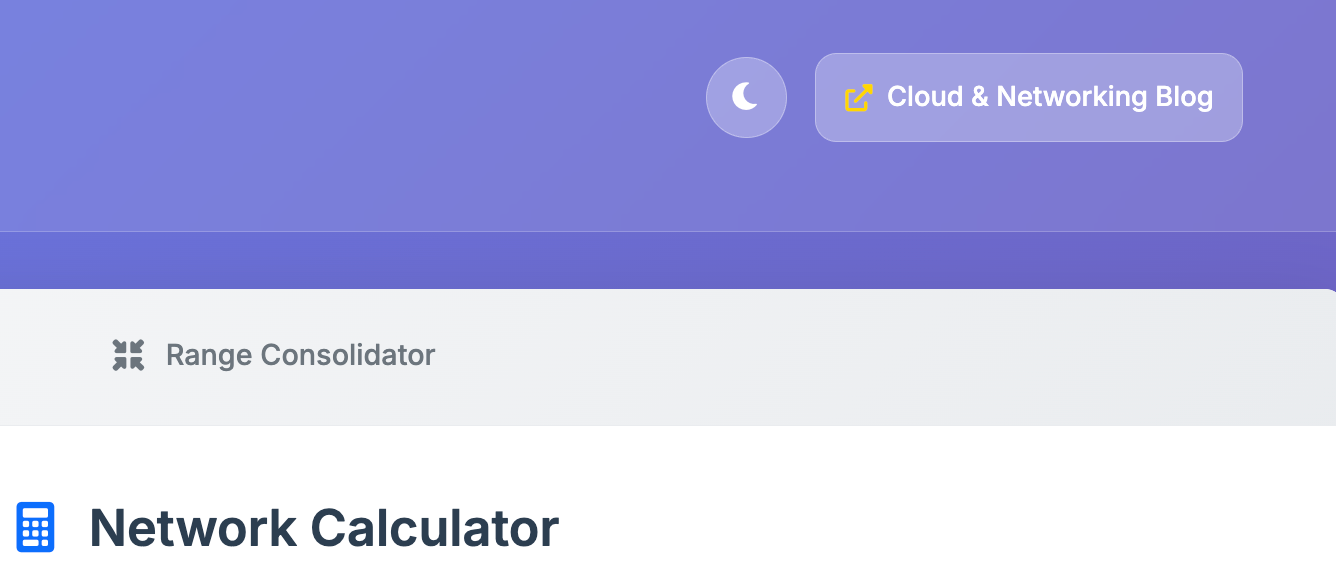
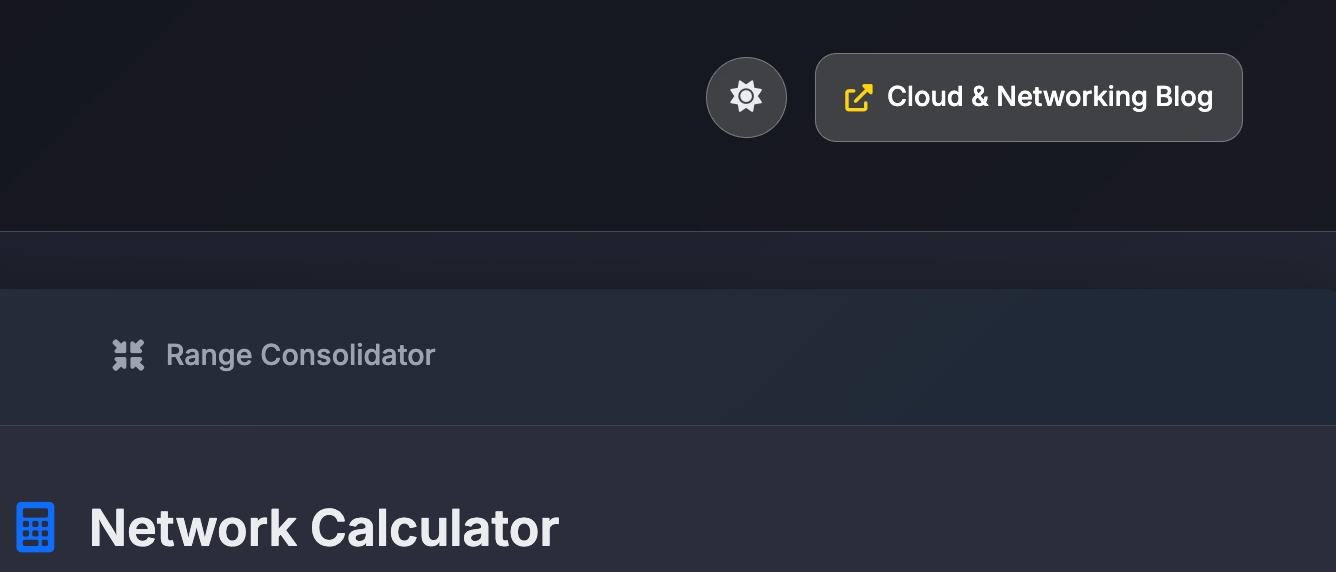
The app now supports light and dark themes. Whether you're in a bright office or staring at Wireshark traces at 2 AM, you can toggle between modes with a single click.
Try It Out
I built this for myself initially, but I’d love for other engineers to benefit from it too. It’s free to use, no signup required.
https://ipcalc.gergovadasz.hu/
If you find bugs, edge cases, or want to suggest a new feature, feel free to reach out. I’m always open to making this better for the networking community.
Final Thoughts
Subnetting and IP math are second nature to experienced engineers, but we all appreciate tools that save time and reduce human error. Whether you're studying for a certification, troubleshooting a weird subnetting issue, or just need a quick wildcard mask—you’ll find this tool helpful.
If you like tools like this, consider subscribing to my blog for more tutorials and resources related to cloud networking, automation, and infrastructure design.